
GTA 6 Parents’ Guide: Rating Status and Family Controls

Quick answer
GTA 6 is listed as ESRB Mature 17+ on US console stores. Review the content warnings and set PS5 or Xbox family purchase controls before buying.
GTA 6 is listed as ESRB Mature 17+ on the US PlayStation and Xbox stores. Both listings show warnings for violence, sexual content, nudity, strong language, and drugs and alcohol.
The current rating and content warnings
| Question | Verified answer |
|---|---|
| Rating shown by US console stores | ESRB Mature 17+ |
| Listed content descriptors | Blood and Gore; Intense Violence; Mature Humor; Nudity; Strong Language; Strong Sexual Content; Use of Drugs and Alcohol |
| Separate interactive notice | In-Game Purchases |
| Launch listing | Single-player |
| Release date on US PlayStation listing | November 19, 2026 |
You can check the US PlayStation GTA 6 listing and US Xbox GTA 6 listing directly. This guide checked those product pages, not a standalone ESRB summary describing individual scenes.
ESRB explains that In-Game Purchases is a separate interactive notice, not a content descriptor that determines the age rating. A single-player listing does not remove purchase concerns.
A practical buying decision
Use the current Mature 17+ label and the full descriptor list when deciding whether GTA 6 is suitable for your household. For an older teen, look for a detailed rating summary and consider your family’s rules about violence, sexual content and spending. Trailers cannot show every scene a player may encounter.
Rockstar says the boxed Standard Edition contains a download code rather than a disc. Account setup therefore matters even when buying a physical box. Do not assume the box removes digital account or spending considerations.
PS5: set controls on the child’s account
Sony’s parental-controls guide says to create a family and add the child as a family member before setting restrictions. On PS5, open Settings > Family and Parental Controls > Family Management, then select the child.
- Set the allowed age level for games and apps.
- Check Monthly Spending Limit. Sony says its default is zero; leave it there if you do not intend to permit spending.
- Review communication, user-generated content and playtime settings.
- Check Allowed Games before granting an exception to a restriction.
- Make sure the child has completed email verification and is signed in to the child account.
Sony says parental controls are tied to accounts. If you change them while the child is playing, have the child sign out and sign back in for the changes to take effect. Do not treat restrictions on a child account as restrictions on a separate adult profile.
Xbox: review restrictions, balance and purchase requests
The Xbox Family Settings app supports family setup, content restrictions, screen-time schedules and controls for friends and online interactions. Settings apply to the child account signed into the Microsoft account and Xbox profile used in that family.
- Add the child to the family and review content restrictions.
- Set a screen-time schedule and check friends and online-interaction settings.
- Review the child’s account balance and spending history.
- Use Ask to Buy with its documented scope: Xbox says it sends a request when the child wants to buy something they do not have funding for.
Do not assume Ask to Buy means every purchase always needs approval. Account funds and the actual purchase controls matter. Check those settings before adding money or allowing access to the game.
What to check again before buying
Reopen the product listing for your region, read its current content warnings and check the account the child will actually use. Region-specific classifications can differ. Console controls manage access and spending; they do not turn mature game content into a child-friendly version.
Rating listings and family-control documentation checked October 13, 2026.
Our console picks for GTA 6
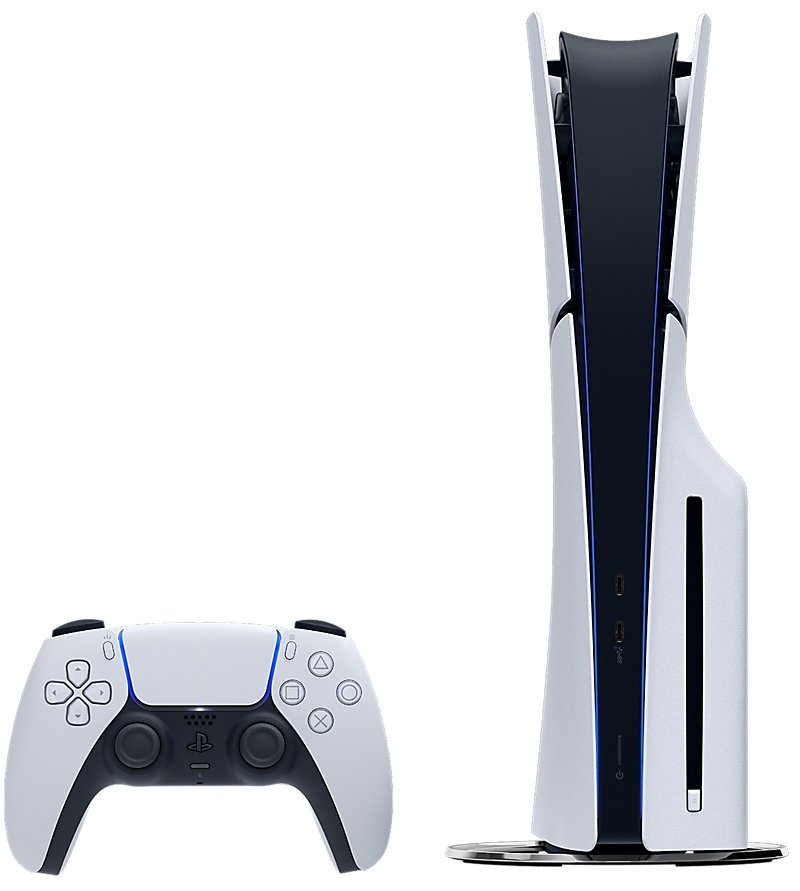
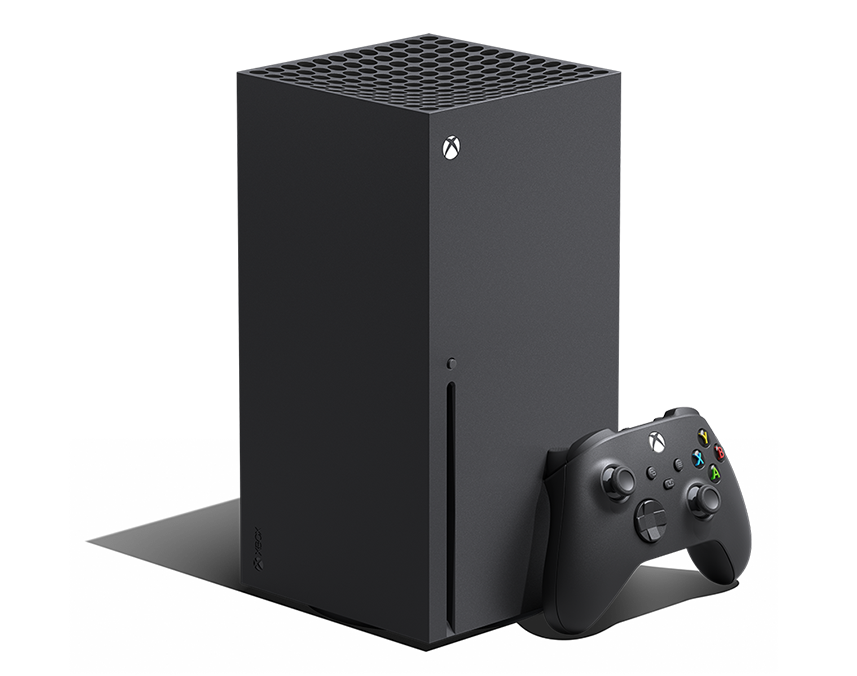
PS5 Pro leads for headroom. PS5 Slim is the value choice; Series X is our Xbox pick.
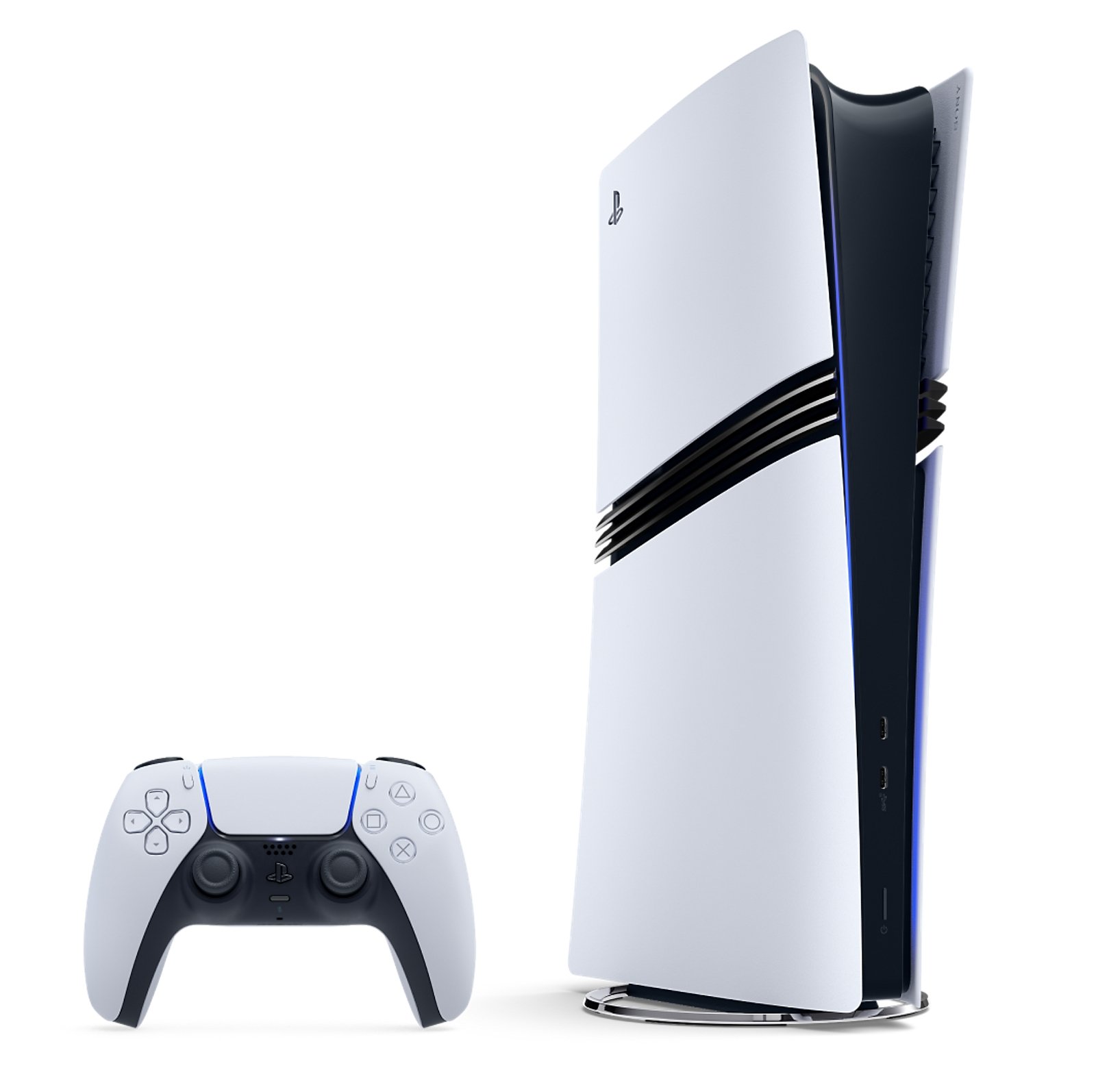
PlayStation 5 Pro
The premium choice for the most performance headroom. GTA 6 modes are not confirmed yet, and the disc drive is sold separately.
Sources checked
- PlayStation Store: current GTA 6 rating status
- ESRB: ratings guide and Likely Mature definition
- PlayStation Support: family and parental controls
Vice Hub checks changing details against the linked primary pages and updates this article when official information changes.

Join the conversation
Sign in to drop your take — Google sign-in supported, takes ten seconds.